fkbd Withdrawal Guide: Get Your Money Out Fast
Read this page and you will know exactly how to submit a withdrawal request on fkbd, complete your first-time KYC check, and fix the most common problems — before you need to contact support.
How to Submit a Withdrawal Request
The whole process from clicking "Withdraw" to money arriving in your mobile wallet takes around 15 minutes on fkbd — once your account is verified. Here are the steps:
-
Log in to your fkbd account
Open the site or the fkbd App and sign in. If you are not registered yet, create an account first — it takes about two minutes.
-
Open the Cashier and select "Withdraw"
Tap your account balance or the Cashier icon. Choose the Withdraw tab. You will see the available payment methods for your account.
-
Pick your payment method and enter the amount
Select bKash, Nagad, Rocket, Upay, or Bank Transfer. Type the amount — minimum ৳900, maximum ৳2,10,000 per day. Make sure the mobile number on your wallet matches the one registered with fkbd.
-
Confirm and wait for processing
Review the details and confirm. Standard processing takes about 15 minutes. Your first-ever withdrawal may take up to 6 hours while the security team completes a final check.
-
Check your wallet for the transaction notification
You will receive an SMS or app notification from your mobile wallet once funds arrive. If nothing arrives after 30 minutes, see the troubleshooting table further down this page.
KYC Identity Check Before Your First fkbd Withdrawal
Bangladesh payment regulations require fkbd to verify your identity before releasing any withdrawal. You only do this once. The review is completed within 12 hours, usually much faster during business hours.
Documents accepted:
- National ID Card (NID)
- Passport
- Driving Licence
Photo requirements: Upload a clear colour photo or scan. The document must be fully visible — no cut edges. The name and date of birth on the document must match your fkbd account details exactly.
How to upload: Go to Account Settings → Identity Verification → Upload Document. Select the front side (and back if prompted). Submit and wait for the confirmation email or in-app notification.
Your privacy: Documents are stored on encrypted servers and used only for identity checks. fkbd does not share your ID with third-party advertisers.
| Method | Deposit | Withdraw |
|---|---|---|
| bKash | ~1 min | ~15 min |
| Nagad | ~1 min | ~15 min |
| Rocket | ~1 min | ~15 min |
| Upay | ~1 min | ~15 min |
| Bank Transfer | ~1 min | ~15 min |
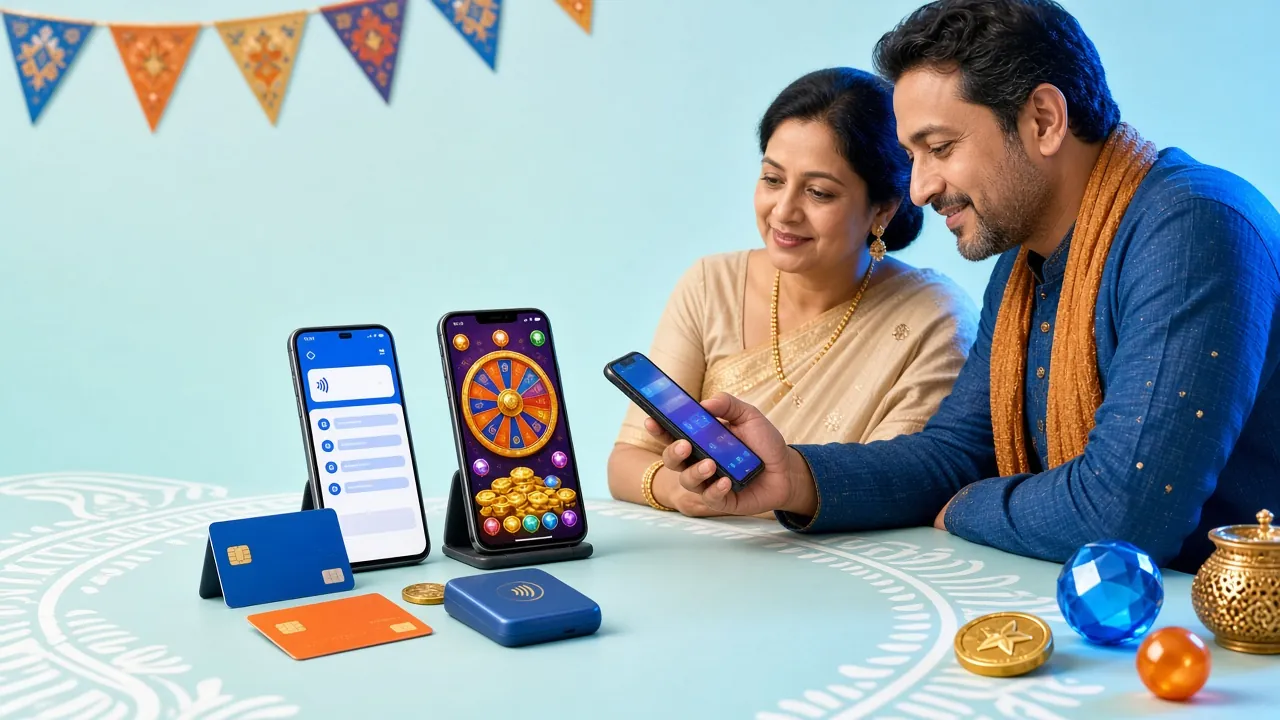
The fkbd cashier is accessible from both the browser and the mobile App.
- SSL Encrypted
- 18+ Only
- 24/7 Support
- bKash & Nagad
Withdrawal Limits, All in One Place
These limits apply to all players on the standard Bronze tier. Higher VIP tiers unlock larger daily withdrawal allowances — the full breakdown is in the table below.
Daily Withdrawal Cap by VIP Tier
| Tier | Monthly Turnover | Daily Withdrawal Cap | Cashback | Birthday Bonus | Personal Manager |
|---|---|---|---|---|---|
| Bronze | No requirement | ৳2,10,000 | 0.8% | — | |
| Silver | ৳60,000 | ৳3,70,000 | 1.1% | ৳700 | |
| Gold | ৳2,50,000 | ৳6,70,000 | 1.4% | ৳1,900 | |
| Platinum | ৳10,00,000 | ৳12,00,000 | 1.7% | ৳5,000 |
VIP tier is calculated on the previous calendar month's total turnover. Cashback is credited automatically every day.
Using bKash, Nagad or Rocket to Withdraw
All three mobile wallets work the same way on fkbd's end — you request the withdrawal inside the site and the money arrives in your wallet. Here is what happens on the wallet side, using ৳2,000 as an example.
- Open your bKash / Nagad / Rocket app and go to Transaction History.
- When fkbd sends the ৳2,000, you will see an incoming credit from the platform's payment agent — typically within 15 minutes of your withdrawal being approved.
- The app will push an SMS notification: note the Transaction ID (TrxID) — you will need this if you ever raise a dispute.
- Check that the amount matches exactly. If the credited amount differs from what you requested, contact fkbd 24/7 Live Chat immediately with your TrxID.
- No action is needed on your wallet to accept the funds — incoming payments are credited automatically.
- Dial your wallet's USSD code on your phone keypad — for example *247# for Nagad or the equivalent code for your wallet provider. You do not need a data connection.
- Navigate to My Account → Statement or Transaction History using the number menu.
- Received transactions will appear in the list. Look for an incoming credit that matches your requested amount (e.g. ৳2,000).
- Write down the TrxID shown on the USSD screen. If your withdrawal is pending beyond 30 minutes, provide this TrxID to the Live Chat agent.
- USSD sessions time out after about 90 seconds of inactivity — navigate quickly or repeat the dial if needed.
Important: The mobile number on your wallet account must match the number registered with your fkbd account. A mismatch is the most common reason a withdrawal is returned. You can update your registered number through Account Settings or via Live Chat.
When a Payment Does Not Arrive
Most problems have a straightforward fix. Find your situation in the table below. If none of these apply, contact fkbd 24/7 Live Chat with your transaction ID and account email.
| Problem | Most Likely Cause | What to Do |
|---|---|---|
| Deposit credited on the wallet side but balance not showing in fkbd | TrxID was entered incorrectly or skipped when submitting the deposit form | Go to Cashier → Deposit → Manual Resubmit. Paste the exact TrxID from your wallet SMS. Allow 10 minutes for the system to match the payment. |
| Withdrawal request stayed "Pending" for over 1 hour | KYC verification is still in progress, or the daily limit was reached | Check Account Settings to see if document upload is required. If KYC is complete and you are under the ৳2,10,000 daily cap, contact Live Chat with your withdrawal reference number. |
| Withdrawal was returned to your fkbd balance | Wallet mobile number does not match the account, or the wallet account is inactive | Confirm that the number you entered matches your registered wallet number. Update the number in Account Settings if needed, then resubmit the withdrawal. |
| Received less than the requested amount | Outstanding wagering requirement was deducted from the bonus balance portion | Check your bonus wallet separately. Bonus funds require 8× wagering before they become withdrawable real money. The cashier shows real-money balance and bonus balance as two separate figures. |
| Wrong TrxID entered on the deposit form | Copied an old TrxID or made a typo in the 10-digit code | Open Live Chat immediately — provide your wallet phone number, the amount sent, and the correct TrxID from your SMS. The finance team can manually match the payment within a few hours. |
| Wallet balance received but it shows as a debit (money out) | You may have submitted a deposit rather than a withdrawal, or selected the wrong direction in the cashier | Check your fkbd account balance. If a deposit was processed by mistake and the funds are in your fkbd balance, contact support. Do not submit a second transaction until the first is resolved. |
What to Do in Your Specific Situation
Not everyone comes to fkbd the same way. Here are four common player situations with the most practical path forward for each.
New player making a first withdrawal
Your first withdrawal is held for up to 6 hours while the security team completes a final review. This is normal. Upload your NID or passport through Account Settings before you request the withdrawal — that way the review can run in parallel and you will not wait longer than necessary. Minimum withdrawal is ৳900. Have your wallet TrxID ready from your original deposit.
Playing entirely on your phone with no laptop
The fkbd App (version 2.2.16, Android 7.0+, 45 MB) handles the full cashier including withdrawals. Download it from the App page and install the APK. All five payment methods — bKash, Nagad, Rocket, Upay, Bank Transfer — are available inside the App. The withdrawal form works identically to the desktop site. You can also complete your KYC document upload through the App camera.
Watching weekend cricket and planning to withdraw winnings
If you have been betting on a T20 or ODI match and want to withdraw at the end of the game, make sure your wagering requirement for any active bonus is complete first. Check the Bonus section in your account: it shows the remaining rollover in real time. Once the requirement is met — 8× on bonus funds — the amount moves to your real-money balance and you can withdraw immediately. Processing still takes about 15 minutes via bKash or Nagad.
Regular player who wants to increase withdrawal limits
Your daily withdrawal cap rises automatically as you reach higher VIP tiers. Silver tier (৳60,000 monthly turnover) raises the cap to ৳3,70,000 per day. Gold tier (৳2,50,000 monthly turnover) brings it up to ৳6,70,000 and adds a personal account manager. You do not need to apply — the system upgrades your tier at the start of each calendar month based on the previous month's turnover. Cashback also increases at each level, credited daily.
Common Questions About fkbd Withdrawals
01 What is the minimum withdrawal amount on fkbd?
The minimum single withdrawal is ৳900. There is no maximum per transaction beyond your daily tier cap. For Bronze tier players that cap is ৳2,10,000 per day. If you need to withdraw more than your daily cap, the remainder carries over to the next day — you do not lose it.
02 How long does a withdrawal actually take?
Standard withdrawals via bKash, Nagad, Rocket, or Upay are processed in about 15 minutes after approval. Your very first withdrawal may take up to 6 hours because the security team runs an additional check. After that one-time review, all subsequent withdrawals go through the standard 15-minute process. Bank Transfer withdrawals follow the same timeline once fkbd approves the request.
03 Can I withdraw if I have an active bonus?
Yes, but only your real-money balance is immediately withdrawable. Bonus funds — including the welcome bonus — must meet the 8× wagering requirement before they convert to real money. The cashier displays your real-money balance and bonus balance separately. You can withdraw the real-money portion at any time without affecting your active bonus, as long as you meet the ৳900 minimum.
04 Do I need to submit documents every time I withdraw?
No. KYC verification on fkbd is a one-time process. Once your National ID, Passport, or Driving Licence has been reviewed and approved (within 12 hours of upload), your account is permanently verified. You will not need to submit documents again unless our compliance team contacts you with a specific request, which is rare.
05 My withdrawal was declined — what happens to the money?
If a withdrawal request is declined or cannot be delivered to your wallet (for example, because of a number mismatch), the full amount is returned to your fkbd account balance automatically. Nothing is lost. You can then correct the issue — update your wallet number, complete KYC, or contact Live Chat — and resubmit the withdrawal. You will see the returned funds in your account balance within a few minutes of the decline.
06 Is there a fee for withdrawing from fkbd?
fkbd does not charge a platform fee for withdrawals. Your mobile wallet provider (bKash, Nagad, Rocket, Upay) may apply their own incoming transaction charges according to their standard rate card — check your wallet's terms for details. Bank Transfer withdrawals are also processed without a fee from fkbd's side, though your bank may apply standard remittance charges.
Ready to Start Playing on fkbd?
Create your account, make a first deposit with bKash or Nagad (minimum ৳150), and your winnings will be withdrawable within 15 minutes once KYC is done. All the steps are on this page.
18+ · Play Responsibly · Minimum withdrawal ৳900